
SolutionView 2.4.4 Release Notes
This release is focused on helping reps keep appointments moving while capturing a stronger, clearer story behind the project. You’ll see smarter Customer Why support that stays editable, cleaner screens that keep the important details in view, and a few practical upgrades that make estimating and drawing feel more precise.
Customer Why
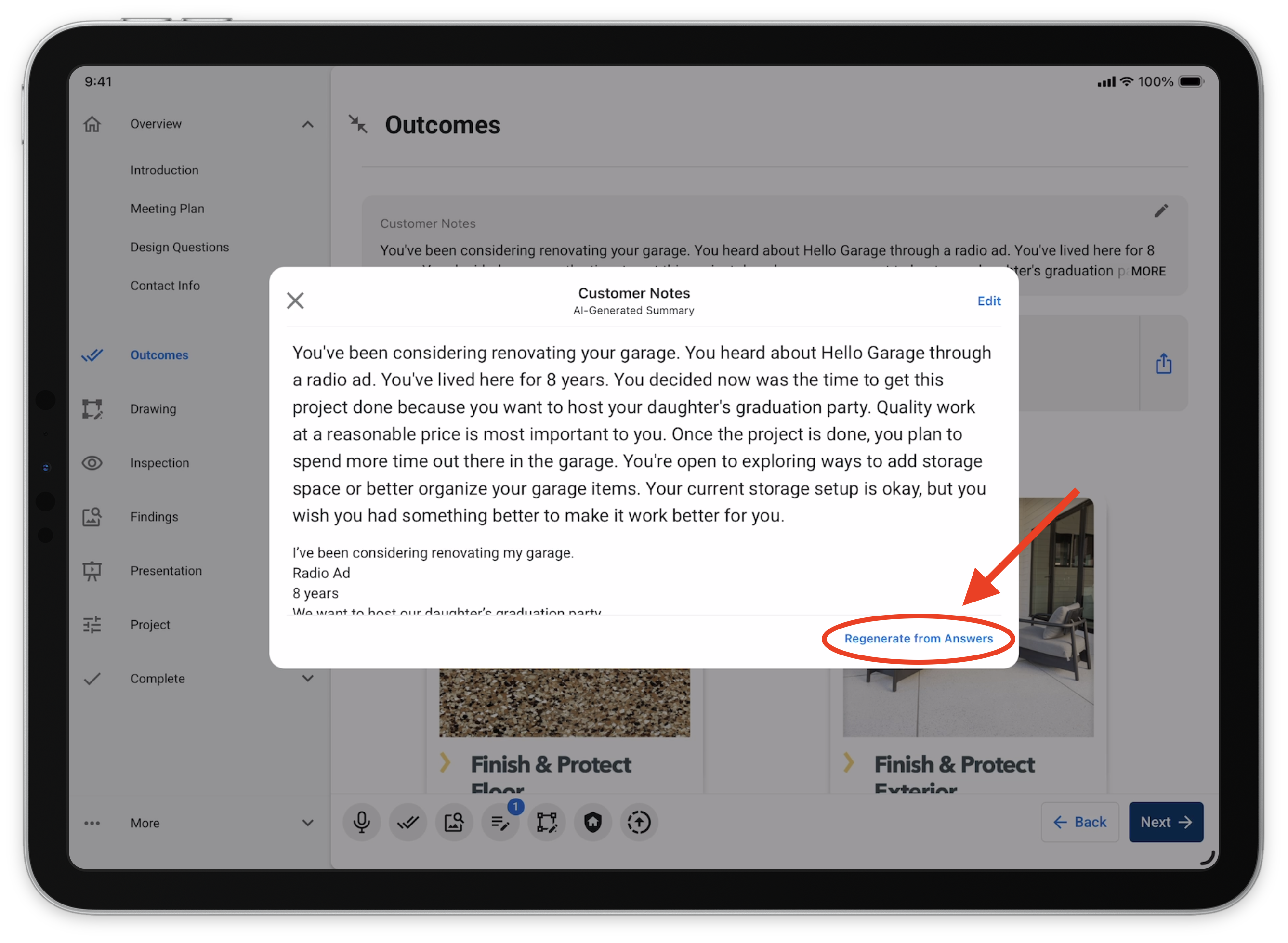
AI Summary
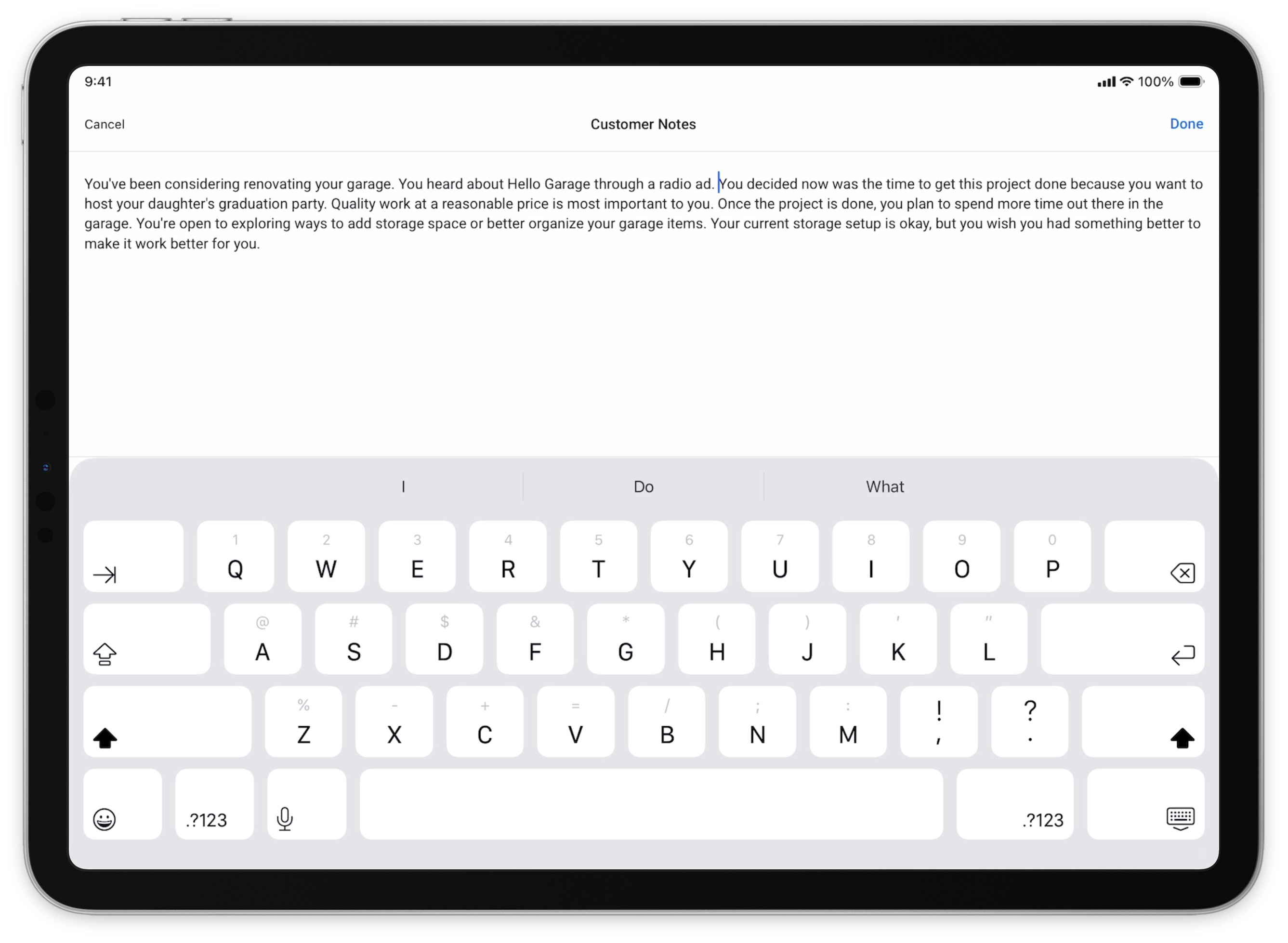
Customer Why can now use the on-device Apple intelligence model (LLM) to summarize the questions and answers you’ve mapped, and turn them into a clear, customer-ready “why.” You can edit the AI summary anytime to refine how you'll present it to a customer.
Note: AI Summary needs to be configured. Please reach out to support@solutionview.com for help.
UI Improvements
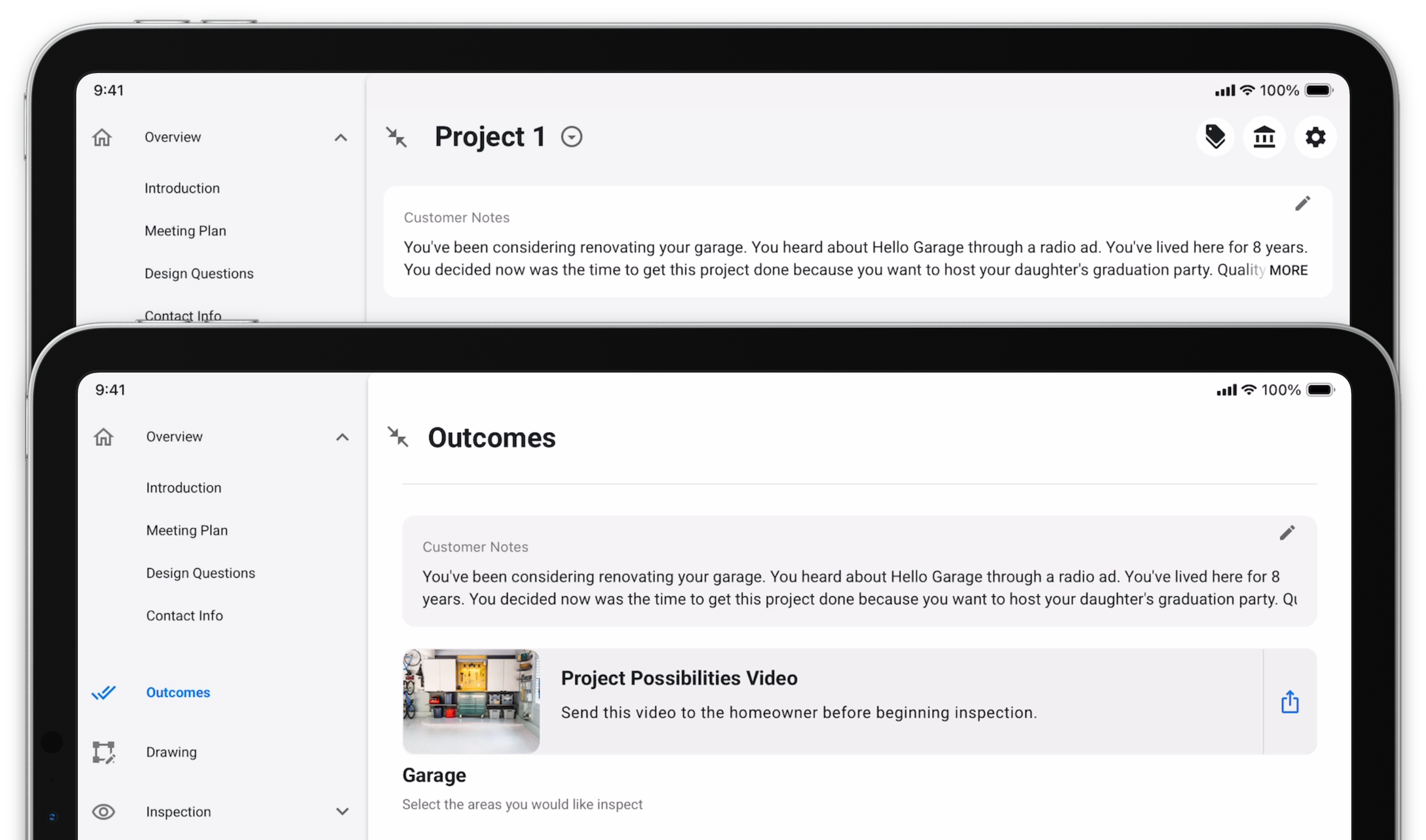
Customer Why now shows a shorter preview anywhere it appears, keeping the rest of the screen focused on the details that drive the appointment forward. If the full Customer Why is longer, you can tap it to view the entire message.
Product Markups
Markup Factor Enhancements for Estimation
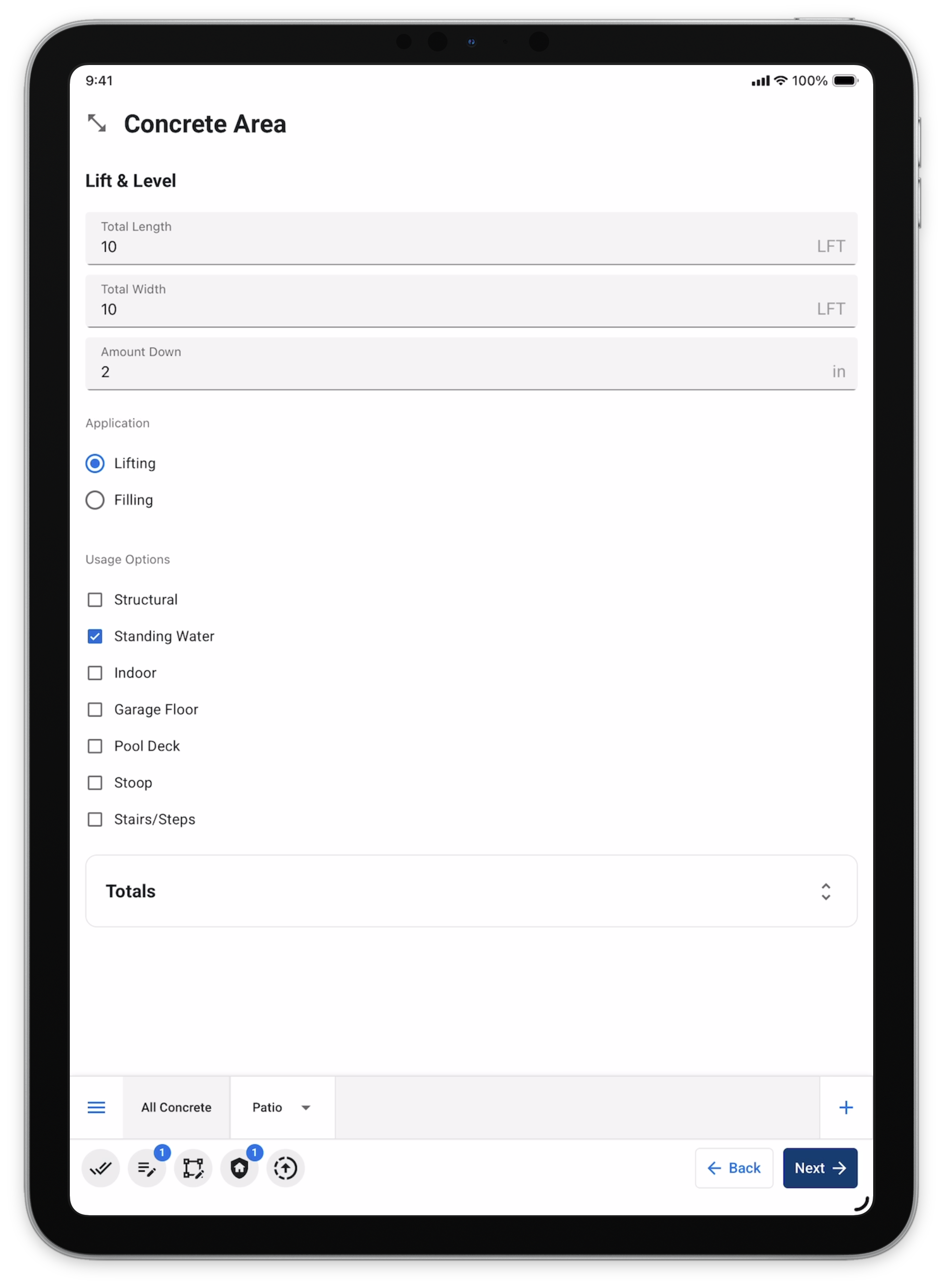
Along with existing quantity-based markups, you can now apply a percent markup to product totals. This gives you another way to account for complexity, risk, and margin needs, and it can be used on its own or combined with quantity markups. These markups are configured at the form field level.
Note: Product Markups need to be configured. Please reach out to support@solutionview.com for help.
Product Placement Tool
Apple Pencil Accuracy
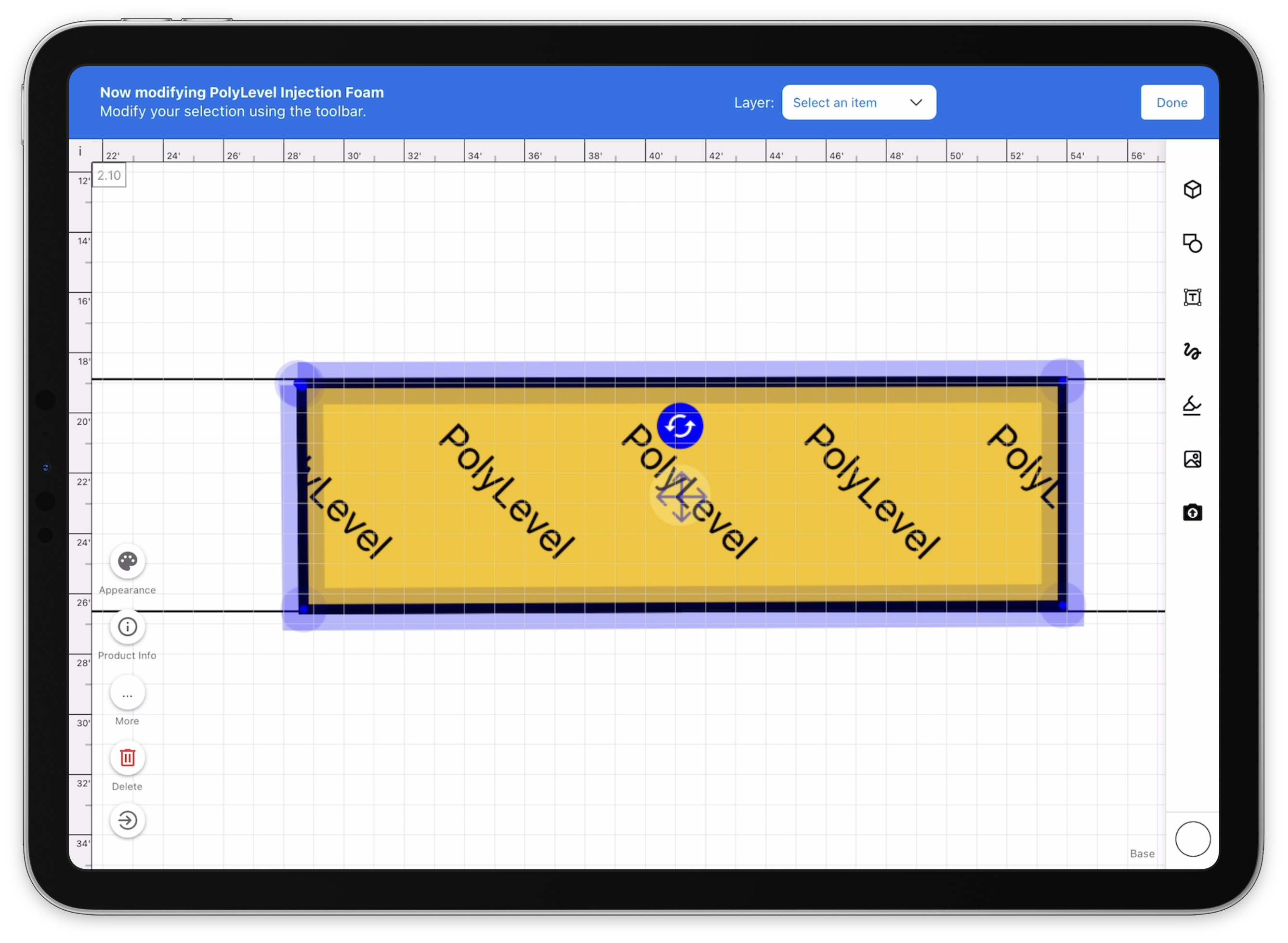
Fixed Apple Pencil drift in the drawing and product placement experience so artwork lands directly under the pencil tip.
As always, thanks for helping us keep raising the bar on the customer experience.